

 AI Garage
 Continue Anywhere
Own your
intelligence.
 ChatGPT
Take your work seamlessly between nine AI providers.
From ChatGPTHelp me think this through.
Here are the options, with the details we discussed.
Let’s build on that.
Your conversation, ready to moveChoose a destination
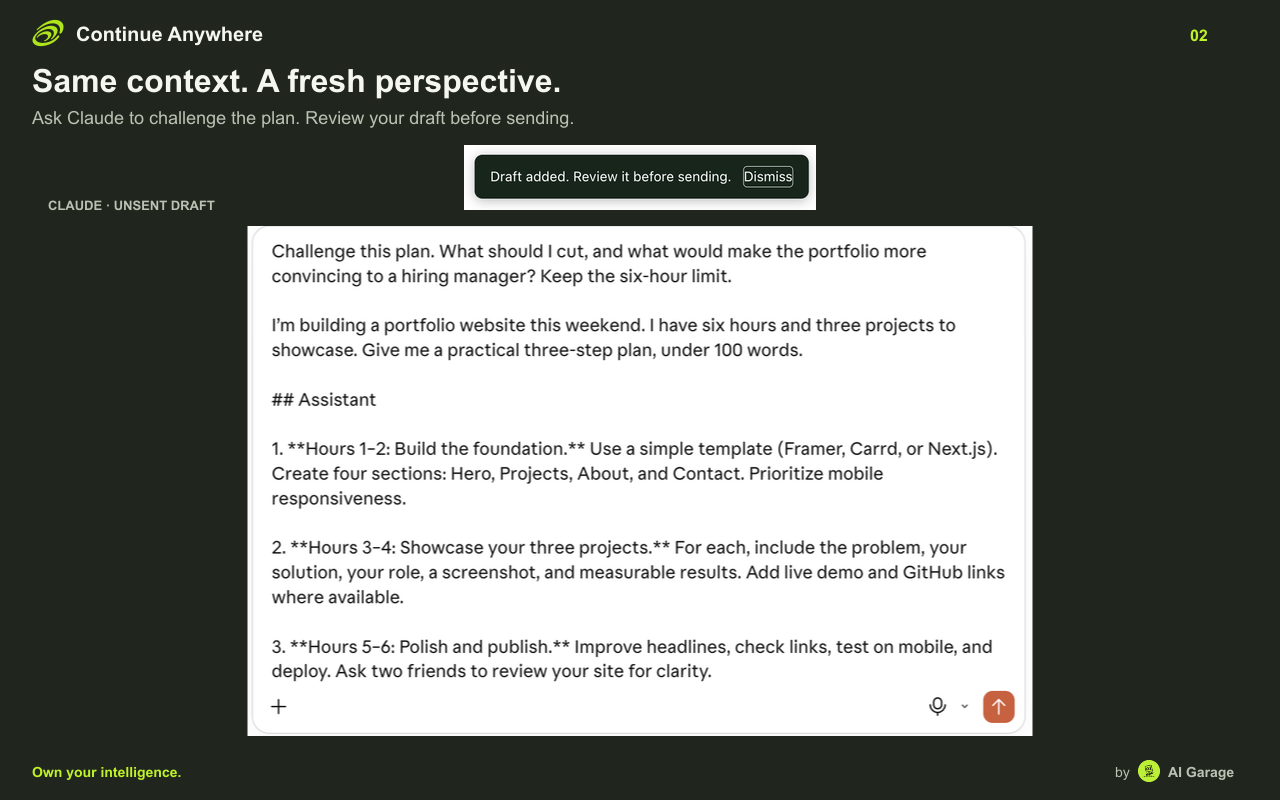
Continue in Claude
Help me think this through.
Here are the options, with the details we discussed.
Let’s build on that.
Move between AI tools. Keep your context and work.
Take your conversation into another AI. Review the draft, then continue.


Form preparation
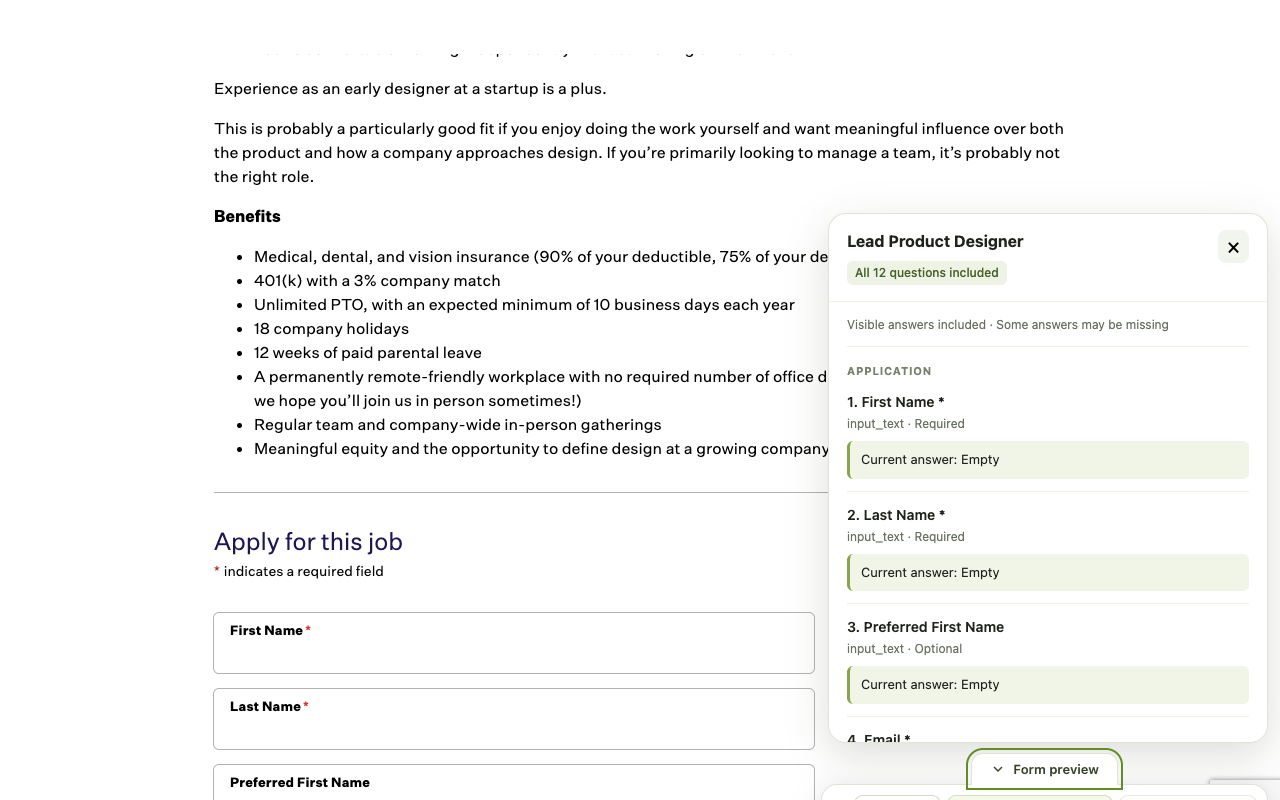
Prepare with AI.
Submit yourself.
Take questions, website guidance and available answers into your AI chat to prepare a draft. The extension will never fill or submit forms.
Send conversations and forms
to your own automation.
Connect n8n, Make, Zapier, Airtable or a custom webhook, then deliver from all nine AI providers or supported forms as JSON or Markdown.


Privacy controls
Everything stays
inside your browser.
Redact the sensitive details
Use optional redaction, then check for sensitive details it may miss.
Choose what travels.
Choose whether to include typed and saved form answers.
Review content before sharing. AI handoffs make drafts available to the chosen provider, even before you send. Automation delivery and confirmed membership imports transfer content to their destinations.
Read the full privacy policy →A few things to know.
Need help? Contact Continue Anywhere support →
How do I continue a chat in another AI?
Choose your next AI under Open in. Review the copied conversation, add your next question and send when you’re ready. If it doesn’t appear, paste it into the new chat.
Will my whole conversation come with me?
It carries the conversation it can read, including available code, tables and source links. Hidden or unloaded messages and attachment contents may be missing. A Partial label tells you when a chat or form may be incomplete.
Can I use it with my AI app?
Yes, on the nine AI websites listed above. ChatGPT and Claude also let you open the original chat in their desktop apps. For Perplexity, use Search; for Grok, use chats. Computer and Imagine aren’t supported. Use a personal Copilot account, Qwen and Kimi.
Can I share just the form questions, without my answers?
Yes. In Options, turn off Include typed and saved form answers. You’ll share the questions and any available guidance, without your answers.
Can I send chats and forms to my own automation?
Yes. Configure n8n, Make, Zapier, Airtable or a custom webhook in Options, then choose Send to automation. You can send a conversation or supported form to a workflow you control.
